How do I connect Flyn to Zapier?
Steps verified on August 20, 2026
Flyn has a native app in the Zapier directory, so it appears in the Zap editor like any other app. Connecting it takes one thing: a Flyn API key.
API keys are a Pro feature. On the free plan there is no Create Key button, so the Zapier app cannot be connected. If you want automation without upgrading, Flyn's MCP server works on any plan and lets an AI assistant create and look up links by signing in, no key needed.
Create your API key
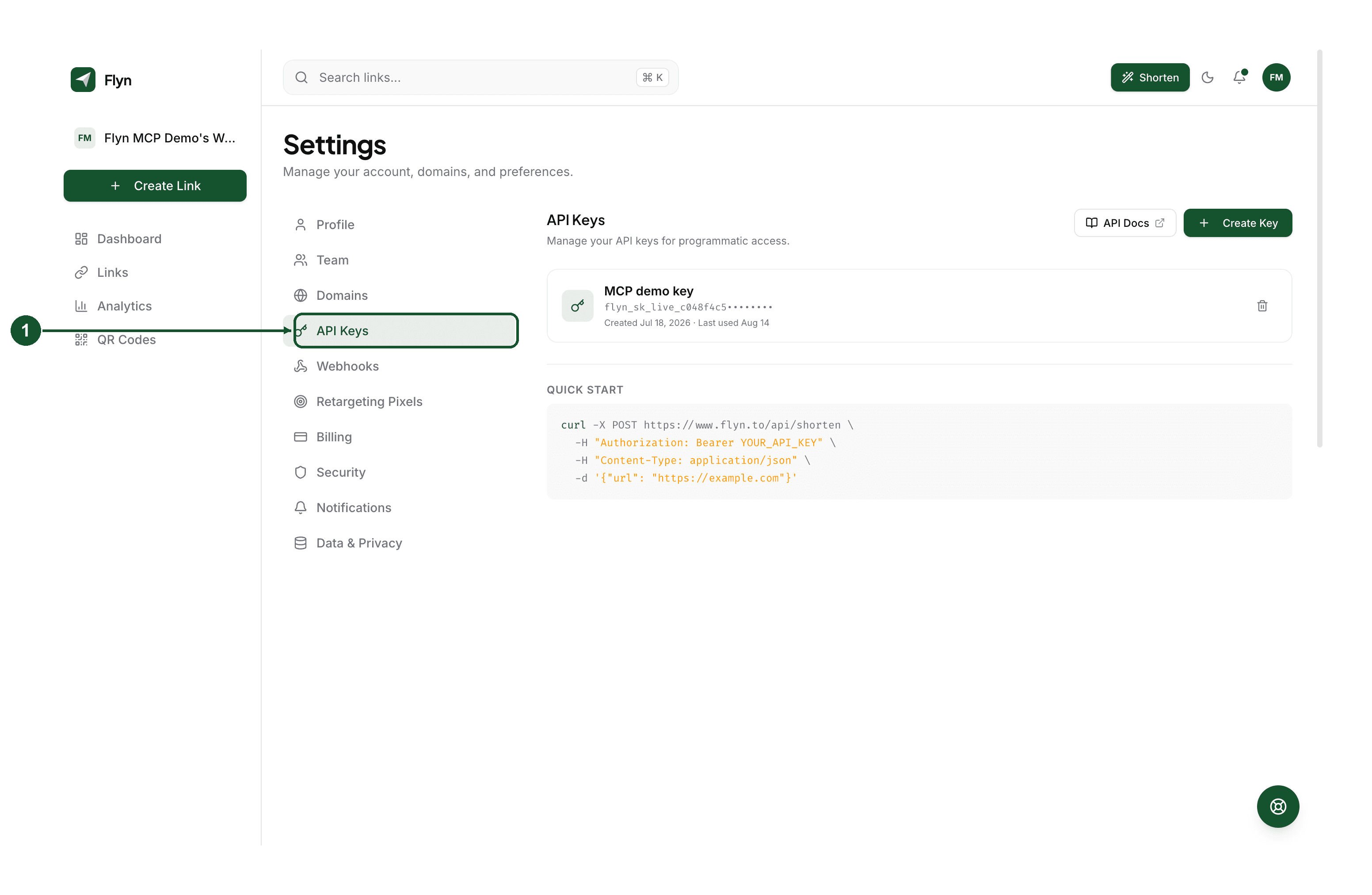
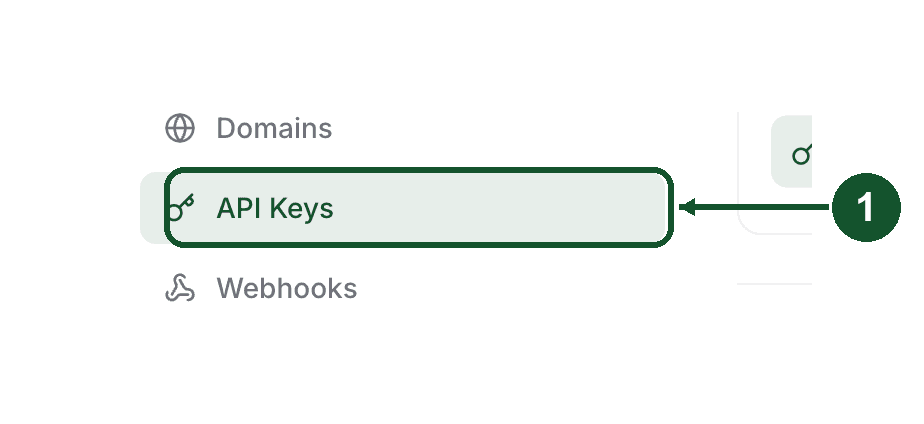
Step 1: open API Keys in Settings
Go to Settings in your dashboard and choose API Keys from the list on the left.
Step 2: create a key and copy it
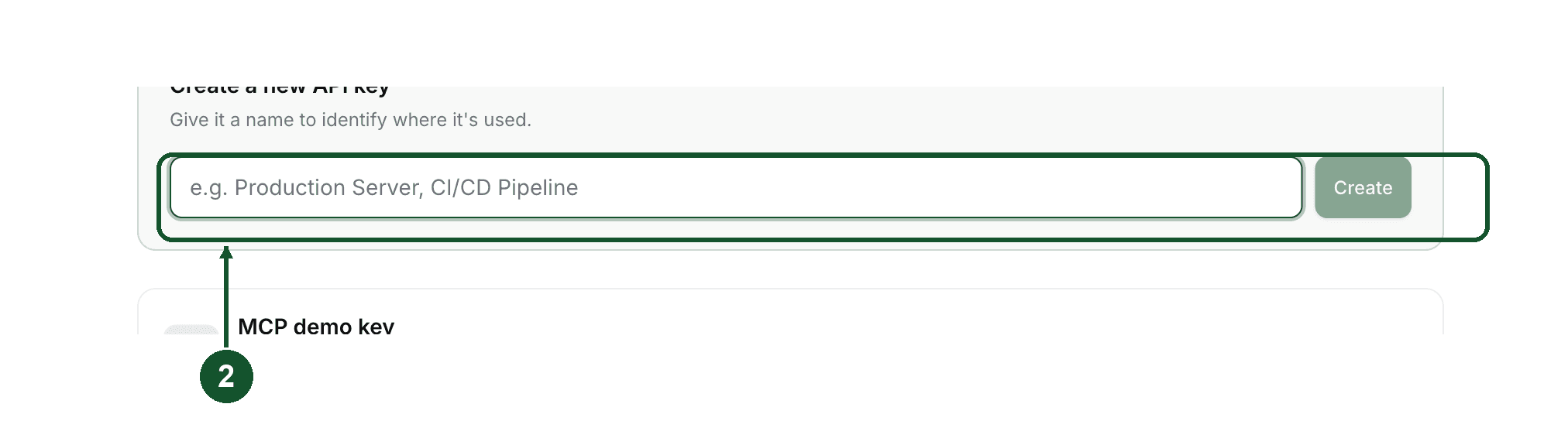
Click Create Key, give it a name that says where it will be used, such as Zapier, then click Create.
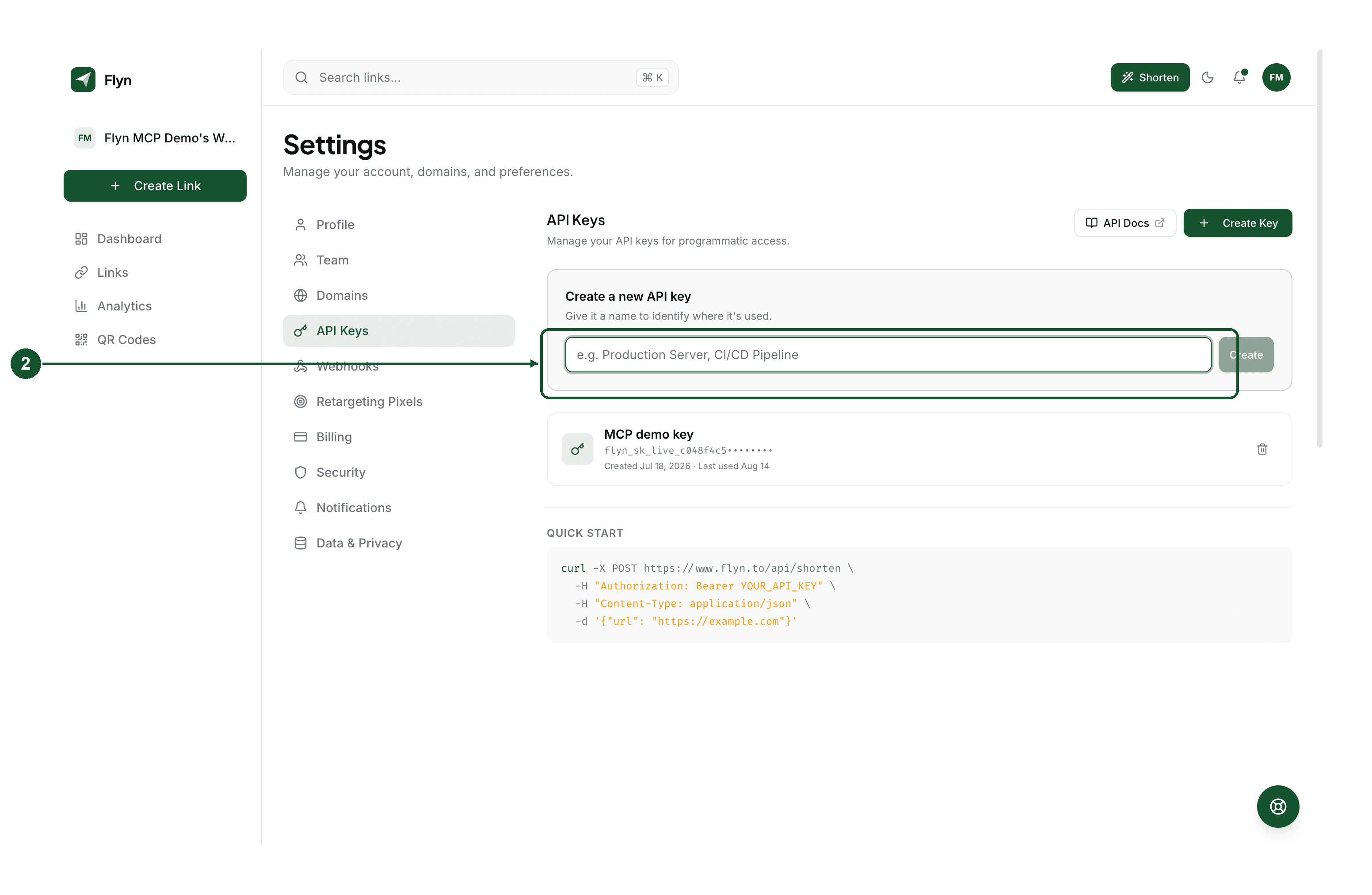
Flyn shows the full key once. Copy it now. Afterwards only the first few characters are shown, because Flyn stores a hash rather than the key itself, so there is no way to reveal it later. If you lose it, delete that key and make another.
Every key starts with flyn_sk_live_.
Connect it in Zapier
Step 3: find Flyn in Zapier
Open the Flyn app on Zapier, or search for Flyn inside the Zap editor when picking a trigger or action. It is a public listing, so no invite code is needed.
Step 4: paste the key
When Zapier asks to connect a Flyn account, paste the key you copied and confirm.
Zapier tests it immediately by asking Flyn to list one link. A valid key connects straight away. A rejected one means the key itself was not accepted, and the usual causes are a partial copy, a trailing space, or a key you deleted in Flyn after saving it in Zapier.
We deliberately do not reproduce Zapier's editor screens here. Zapier changes that interface on their own schedule and screenshots of it would go stale without us noticing. Their own Zap editor documentation is always current.
What you can build
Once connected, Flyn offers eight steps in the Zap editor:
- New Link and New Click as triggers. New Click is real time, because Flyn pushes each click to Zapier rather than Zapier polling for it.
- Create Short Link, Update Short Link, Delete Short Link and Create QR Code as actions.
- Find Link and Find Link Stats as searches, for looking something up mid-workflow so you can branch on it.
Flyn and Zapier walks through what each one does and the fields it takes.
One thing to watch on busy links
New Click fires once per click, and Zapier counts every task a Zap runs. A link getting thousands of clicks a month will consume tasks at that rate.
If that is a concern, add a filter immediately after the trigger so only the clicks you care about continue, or trigger on New Link instead when you only need to know that links were created.
If you would rather not use Zapier
Everything the Zapier app does is available directly, and it consumes no Zapier tasks:
- The REST API creates, updates and deletes links and returns their stats.
- Webhooks push
link.createandlink.clickevents to any endpoint you control. - The MCP server works on the free plan, so an AI assistant can create and look up links without an API key at all.
Common questions
Why can I not create an API key?
API keys are part of Pro, Lifetime and Team. On the free plan the Create Key button is not available, and because Zapier connects with an API key, the Zapier app cannot be connected on a free account. Everything else on the free plan is unaffected.
Zapier says my API key is invalid. What is wrong?
Zapier tests the key the moment you paste it by asking Flyn to list one link, so a rejection means the key itself was not accepted. The usual causes are a partial copy, a trailing space, or a key that was deleted in Flyn after you saved it in Zapier. Create a fresh key and reconnect. A key always begins with flyn_sk_live_.
Where do I find my key again after creating it?
You cannot. Flyn shows the full key once, at creation, and stores only a hash of it afterwards. The list in Settings shows the first characters so you can tell keys apart, not the whole value. If you did not copy it, delete that key and create another.
Does connecting Zapier count against my link limit?
Links created through Zapier are ordinary Flyn links and count the same as links made in the dashboard. Pro has no monthly link cap, and since Zapier requires Pro, the cap does not apply to anyone who can connect it.
Can I use my Flyn short links for eBay affiliate links in a Zap?
No. eBay Partner Network permits only a named list of shorteners for EPN links, and Flyn is not currently on it. That applies whether the link is made by hand or by a Zap. Use one of eBay's approved shorteners for affiliate links and Flyn for everything else.
Related articles
Did this answer it? If not, email [email protected] and a human will help.
Try it yourself
Create a branded, trackable short link free and follow along with this guide.