Why is my short link disabled or not working?
Steps verified on July 31, 2026
A Flyn link that stops redirecting is almost always in one of four states. This guide tells them apart and gives you the fix for each.
1. Disabled by the safety system
Flyn checks every destination against Google Safe Browsing and blocks links that point to phishing, malware, or other unsafe pages. If a destination gets flagged after the link was created, the link is disabled and visitors see a page explaining it is no longer available.
This protects your visitors and everyone else using Flyn domains: one unsafe link can hurt the deliverability of every link on the same domain.
If you believe your link was flagged by mistake: email [email protected] with the short link and its destination. A person reviews every appeal, and safe links are restored.
2. Expired by a setting you chose
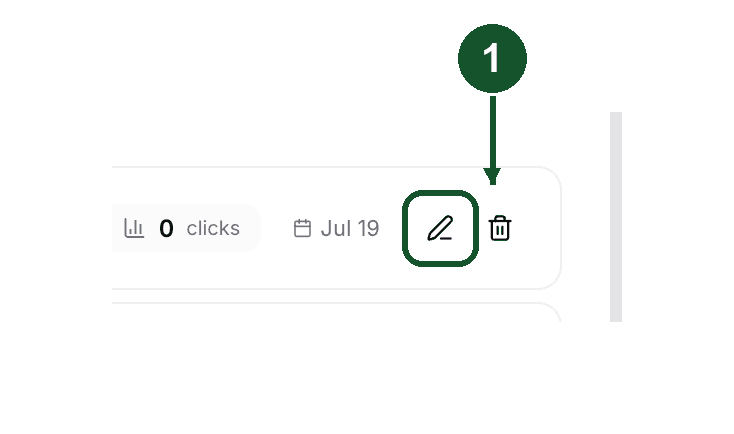
Two link settings end a link on purpose. Edit the link from your Links page (the pencil icon on its row) and check both:
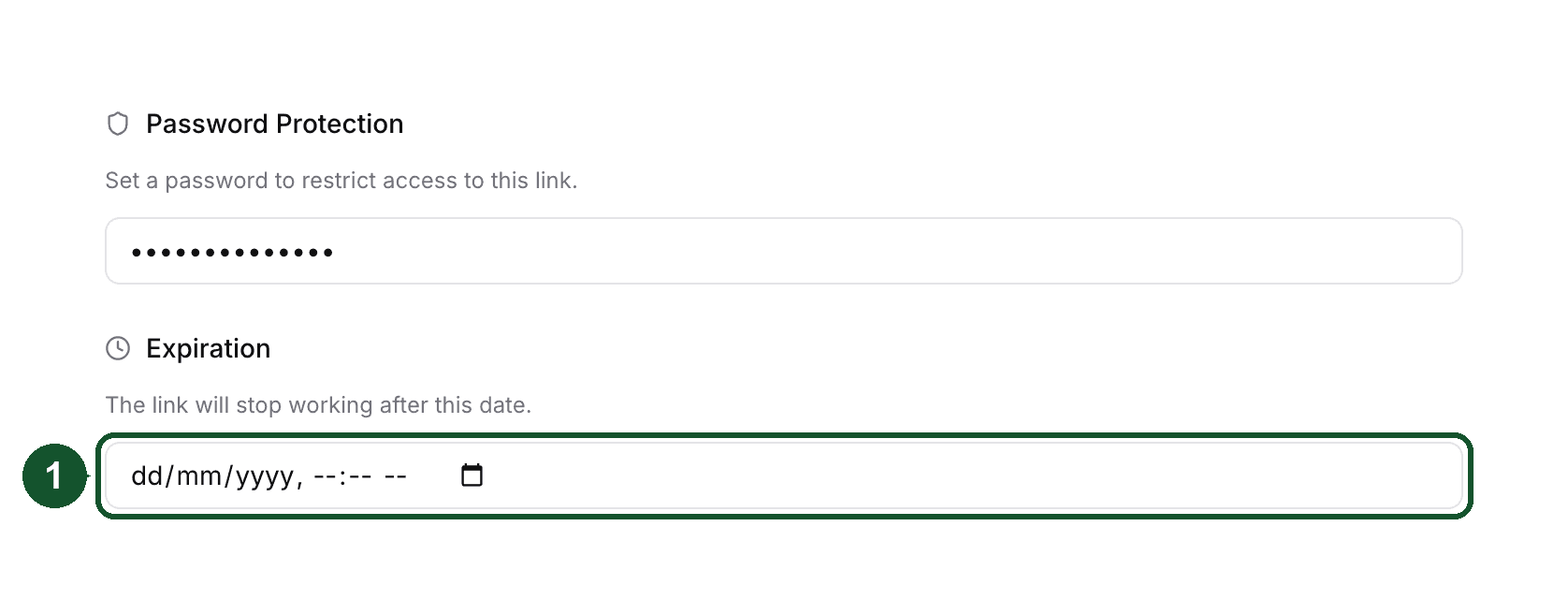
Setting 1, an expiry date: the link stops redirecting after the date you set. It lives in the link's Protection & Expiry settings.
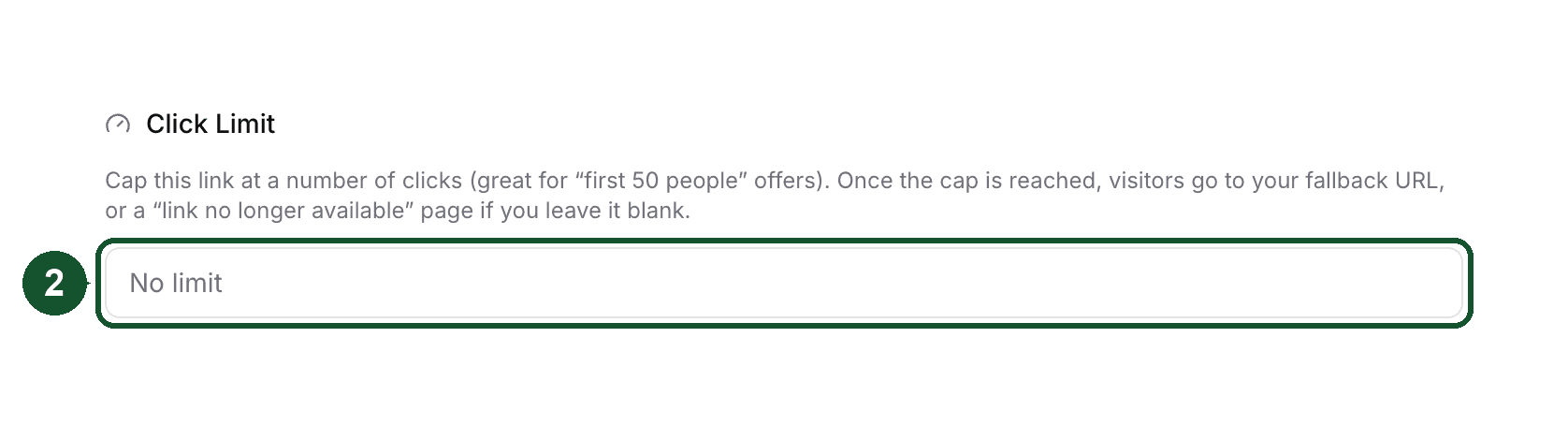
Setting 2, a click limit: the link stops after the number of human clicks you set, and sends later visitors to your fallback URL if you added one. It lives in the Advanced settings.
Clearing the date or raising the limit brings the link back immediately.
3. An anonymous link that reached its time limit
Links created with the free tools without signing in are temporary by design: most last 24 hours, including links made from the homepage, and anonymous password-protected links last 3 hours.
Links created in a Flyn account do not have this limit and are never deactivated over plans or billing. If you made a link with a tool and want to keep it, create it again while signed in, or claim it into your account when the tool offers to.
4. The link never existed on this domain
If the page says the link was not found, the slug may be mistyped, or the link may live on a different domain than the one in your address bar. A link created on your custom domain only works on that domain, and a flyn.to link only works on flyn.to. Check the exact short URL in your dashboard and compare it character by character with what was shared.
Still not working?
Email [email protected] and include the exact short link. That one detail lets us look up the link's state directly and usually turns a back-and-forth into a single reply.
Common questions
Can a disabled link be re-enabled?
Yes, if it was flagged in error. Email [email protected] with the short link and where it points. A human reviews every appeal; if the destination is safe, the link is restored.
Do links on my account expire on their own?
No. Links created in your account are never deactivated over plans or billing. Only links made anonymously with the free tools expire, and only links you gave an expiry date or click limit stop redirecting on their own.
Why was my whole account suspended?
Accounts that repeatedly create links to unsafe destinations are suspended automatically. If you believe this happened in error, email [email protected] from your account email.
Did this answer it? If not, email [email protected] and a human will help.
Try it yourself
Create a branded, trackable short link free and follow along with this guide.