Best URL Shorteners: 10 Free & Paid Tools Compared
A short link is a redirect, so any of these ten tools will shorten a URL. What separates them is the free-plan reality, whether you get a branded domain and real analytics, whether you can skip the signup, and whether the shortener keeps your brand safe. Here is the honest comparison, with pricing verified in September 2026.


The 10 best URL shorteners at a glance
Every URL shortener performs the same core trick: it stores your long link and serves a redirect to it from a short one. Almost any tool here will technically shorten your URL. The real differences show up in everything around the redirect: how much you get for free, whether you can put links on your own domain, whether you see who clicked, whether you can skip the signup, and whether the service keeps your brand out of spam filters. The table below compares all ten on exactly those columns, the ones the big listicles skip, with every number checked against the vendor's own pages on September 23, 2026.
| Tool | Free links / mo | Custom domain free? | Analytics free? | No signup? | Example link (characters) | Cheapest paid | Ad page on free links? |
|---|---|---|---|---|---|---|---|
| Flyn | 25 | No (Pro) | Click counts, 30 days | Yes, 24h unless claimed | flyn.co/abc123 (14) | $9/mo (annual), $12 monthly | No, on any plan |
| Bitly | 5 (50 in some countries) | No | No history | No | bit.ly/3xAmPle (14) | $10/mo (annual only) | Yes |
| TinyURL | 30 | No | No | Yes | tinyurl.com/alias (17) | $9/mo (annual), $11 monthly | On old-API links |
| Rebrandly | 10 | Yes (1) | Basic, 100 clicks / mo | Yes, on rb.gy | rebrand.ly/promo (16) | $11/mo (annual), $16 monthly | Not stated |
| Short.io | 1,000 total | Yes (5) | Yes, 50,000 clicks / mo | No | go.brand.co/abc (15) | $5/mo | No |
| Dub | 25 | Yes (3) | Yes, 30 days | No | dub.sh/abc123 (13) | $27/mo (annual), $30 monthly | Not stated |
| Cutt.ly | 30 | Yes (1) | Yes, 30 days | No | cutt.ly/aBcDeF (14) | $11/mo (annual), $12 monthly | No |
| is.gd | No cap | No | Opt-in only | Yes | is.gd/K7f2q (11) | Free only | No ads |
| T.LY | Quick links only | No (paid) | Public stats | Yes | t.ly/2xKp (9) | $10/mo, $110/yr | No |
| BL.INK | No free plan | Paid only | No free plan | No | b.link/Xq7zR (12) | No public price | No public plan |
Every cell was checked against the vendor's own pricing page, help centre or blog on September 23, 2026, and Flyn's was traced live; the sources for the ad column are in our guide to short links without ads. Example links are counted without the https://. Bitly's pricing page shows 50 free links a month instead of 5 to visitors in India, Indonesia and Bangladesh. BL.INK's own site now redirects to Loftware's connected-packaging product, which lists no public plan.
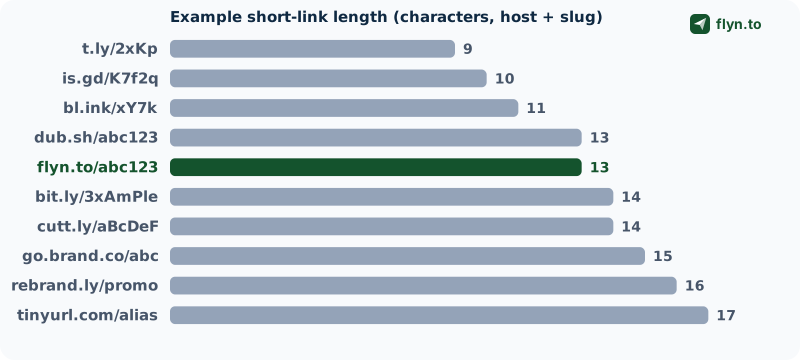
Two things jump out. First, "free" means very different things: is.gd sets no link cap at all, while Bitly gives most visitors five links a month, no click history, and an ad page in front of every link. Second, the shortest raw link (t.ly, is.gd) rarely comes with the branding and tracking that make a link worth sharing. The rest of this guide explains what to make of that, then reviews each tool in turn.
The best URL shortener for each job
If you just want the short answer, match your situation to the pick below, then read the full review before you commit. Full disclosure up front: Flyn is our product, so treat our own entry with healthy skepticism. Every number in this guide was checked against the vendor's own pages on September 23, 2026, and each tool gets a real weakness, not just praise.
- Best all-around value: Flyn, the most features per dollar (our platform).
- Free with no account: Flyn shortens a link with no signup (it lasts 24 hours unless you claim it); is.gd sets no link cap and needs zero signup.
- Branded domains: Flyn Pro includes three custom domains at $9/mo billed annually; Short.io puts five custom domains on its free plan.
- Developers and attribution: Flyn Pro includes the API and conversion reporting; Dub, open source, goes further into conversion tracking and affiliate payouts.
- Most recognized brand: Bitly, the default name, at a premium price.
- Analytics on a budget: Flyn Pro breaks clicks down by country, city, device, browser and referrer for $9/mo billed annually; Cutt.ly shows detailed stats even on free.
- Shortest raw links: t.ly and is.gd, if character count is all you care about.
Where a competitor genuinely beats Flyn, we say so and point you to it. The goal is the honest best pick for your job, not a sales pitch, so the free and no-signup tools get as fair a hearing as the paid platforms.
What actually makes a URL shortener good
Before the individual reviews, here is the honest criteria list. These are the dimensions that change your day-to-day experience, roughly in order of how much they matter for most people.
Branded domains beat short domains
A shortener's own domain length barely matters. A branded short link on your own domain (go.yourbrand.com/sale) builds trust and lifts click-through, and that is worth far more than shaving two characters off a generic domain. This is exactly why chasing "the shortest possible link" is the wrong goal: go.yourbrand.com/sale outperforms y.xx/a1b every time, because people click links they recognize.
The best short link is not the shortest one. It is the link people recognize, that tells you who clicked, and that you can still change after you have shared it.
Analytics you can actually see
The point of a short link is usually to measure it. Check three things: is any click analytics available on the free plan (often not), does it break down by country, device, and referrer, and how long is the data kept. A shortener that shows a total click count and nothing else is barely better than none.
Static versus dynamic (editable) links
A dynamic link lets you change the destination after you have shared it, which is essential for printed QR codes and anything you cannot re-share. Some shorteners (is.gd, most free tiers) freeze the destination forever. That distinction matters more than any feature checkbox.
Link safety and brand reputation
This is the dimension almost every "best shortener" article ignores, and it is the one that can actually hurt you. Short links are a favorite tool of phishers, so a shortener whose domain gets abused can land on blocklists, and links from it start getting flagged as spam or hurting your email deliverability. A serious shortener scans destinations with Google Safe Browsing and can disable a bad link fast.
No-signup use, when you just need one link
Sometimes you want to shorten a single URL without creating an account. Flyn, is.gd, TinyURL, T.LY, and Rebrandly (on its rb.gy domain) all let you do this. The catch: an anonymous link usually cannot be edited or tracked later unless you claim it into an account.
Flyn: the most features per dollar (our platform)
Full disclosure again: this is our tool. Read the weaknesses as carefully as the strengths, and check every claim on the pricing page.
 Tap to enlarge
 Tap to enlarge
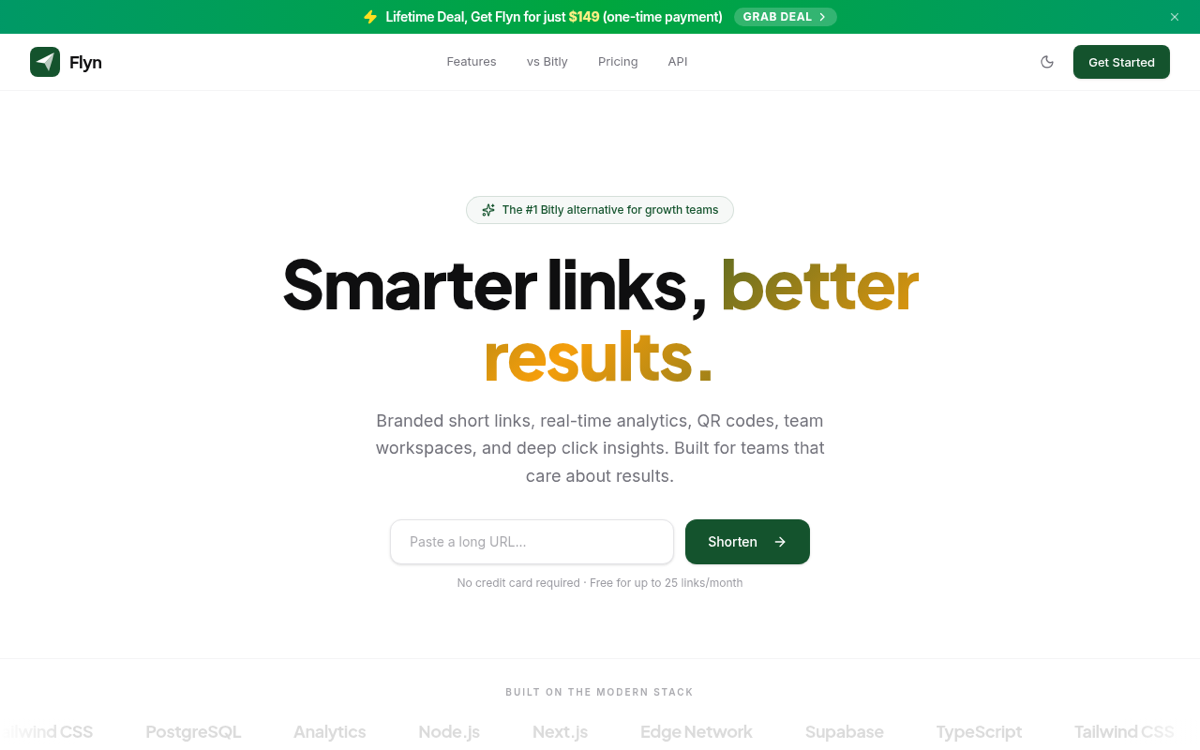
Flyn's argument is value: the features that other tools spread across several higher-priced plans sit on a single $9 per month Pro plan (billed annually, or $12 monthly). There is also a one-time lifetime option, the only one in this comparison. That includes branded links on three custom domains with automatic SSL, real-time analytics by country, city, device, browser, and referrer, smart device and geo routing, deep links that open YouTube, Instagram, TikTok, Spotify and other native apps, link cloaking, A/B testing and weighted rotation across up to 12 destinations, and retargeting pixels for Meta, Google, TikTok, LinkedIn, X and other ad platforms. Every link is dynamic, so you can repoint it after sharing, and each destination is scanned with Safe Browsing.
The free plan is genuinely usable: 25 links a month, no cap on tracked clicks, custom back-half slugs, QR codes, link expiration, custom link previews, and click counts with 30 days of history, no credit card. You can also shorten a link with no account at all: it lasts 24 hours, and signing up from the same browser keeps it for good.
- Best for: creators, marketers, and small teams who want branded links, deep analytics, and retargeting without an enterprise invoice.
- Standout: the widest feature set for $9/mo, plus per-link safety scanning.
- Weakness (honest): custom domains and advanced analytics are Pro-only (free links use Flyn's flyn.co domain), and the mobile app is still coming. Conversion and revenue reporting exists on Pro but is deliberately lighter than Dub's, which goes further into affiliate payouts.
The big names: Bitly and TinyURL
Bitly: the recognized default, at a premium
 Tap to enlarge
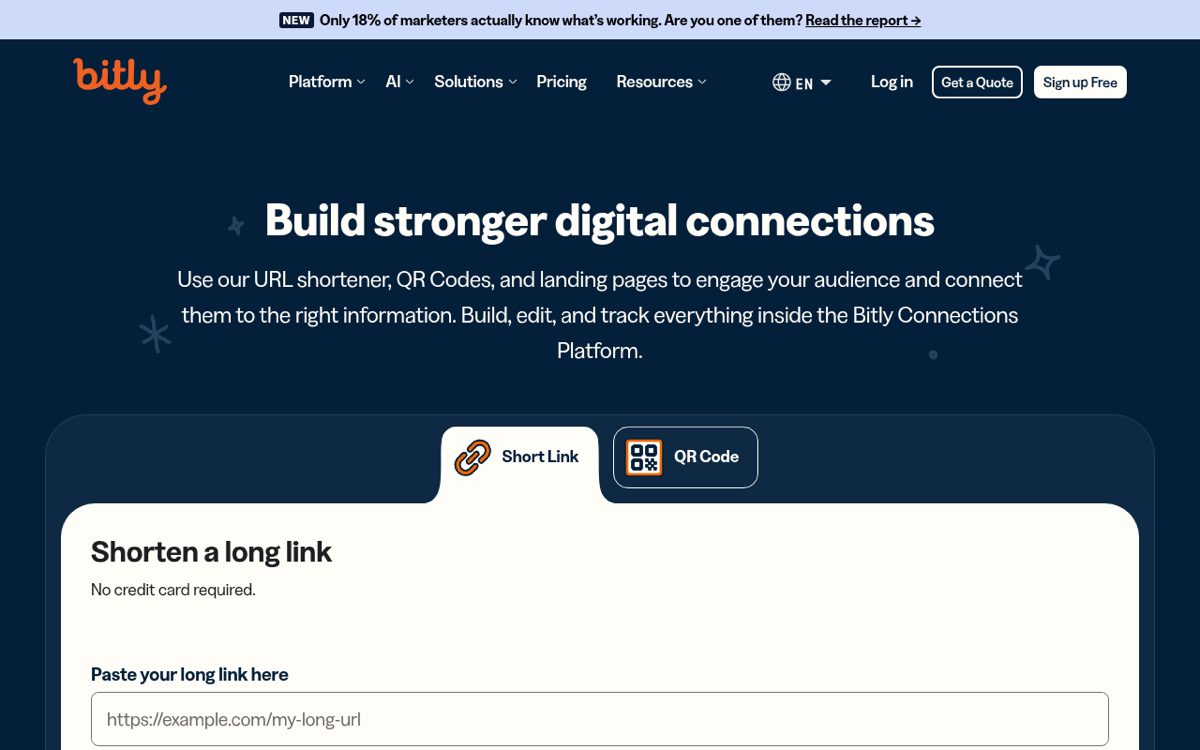
Bitly is the most recognized name in shortening and has grown into a full "connections platform" with QR codes, campaign UTM tools, and landing pages. If brand familiarity matters (a bit.ly link reads as safe to many people), it delivers. The catch is the pricing. The free plan gives most visitors just 5 links a month with no click history at all (its pricing page shows 50 to visitors in India, Indonesia and Bangladesh), and Bitly's help centre (updated January 2026) says free links now open on an ad page first. The cheapest paid tier (Core, $10/mo) is annual-billing only, so there is no low-commitment monthly entry point. Branded domains do not appear until the Growth plan, $29/mo billed annually or $35 monthly. See the full Bitly vs Flyn breakdown or the Bitly alternative page.
- Best for: teams that want the most recognized brand and a broad campaign platform, and will pay for it.
- Weakness: tiny free tier in most countries, an ad page on free links, no analytics until you pay, branded links from $29/mo.
TinyURL: simple, free, and permanent
 Tap to enlarge
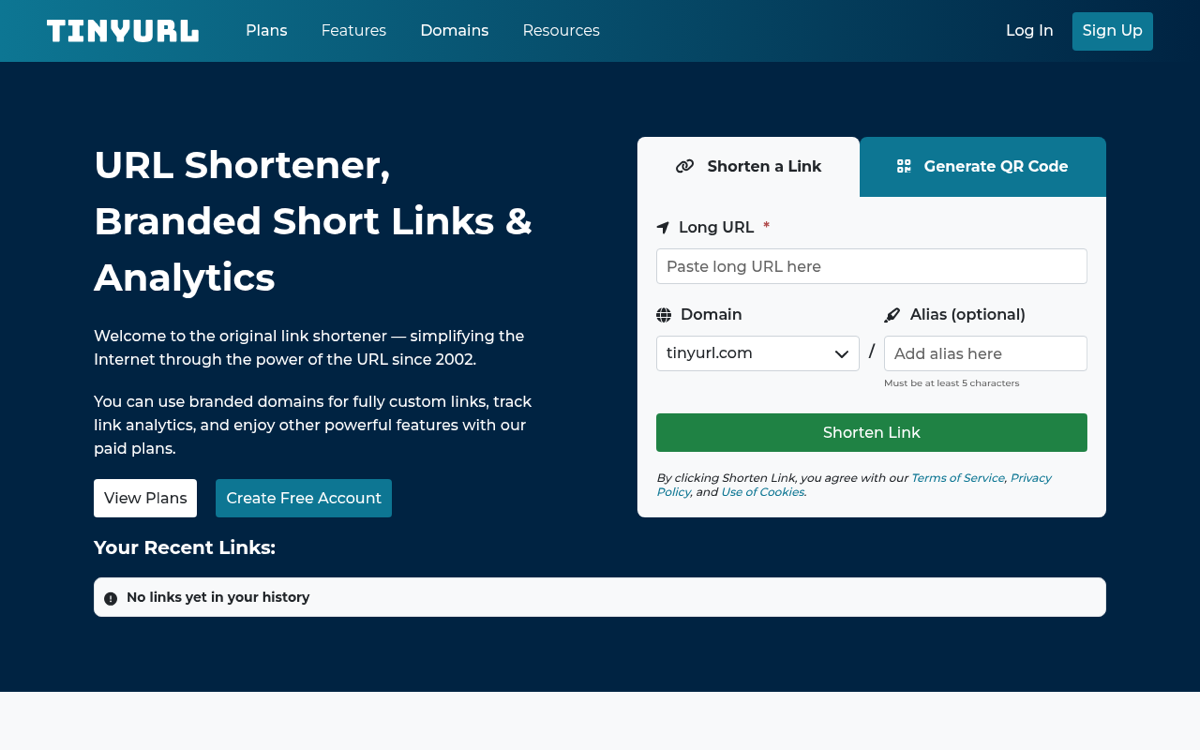
TinyURL has done one thing since 2002: shorten links simply, no account required. Its free plan is more generous than Bitly's (30 links a month, a QR code for every link, and links that never expire), which makes it a solid pick for casual, set-and-forget links. The trade-offs: TinyURL records clicks on free but only shows them once you upgrade, free links cannot be edited after you make them, and a custom domain needs a paid plan. Pro costs $9/mo billed annually ($11 monthly) for 125 links a month and three branded domains. Compare it directly in our TinyURL vs Flyn guide.
- Best for: quick, permanent links you do not need to measure.
- Weakness: no visible analytics or editing on free, and Pro's link cap is low.
The branded-link specialists: Rebrandly, Short.io, and BL.INK
Rebrandly: branded links at scale
 Tap to enlarge
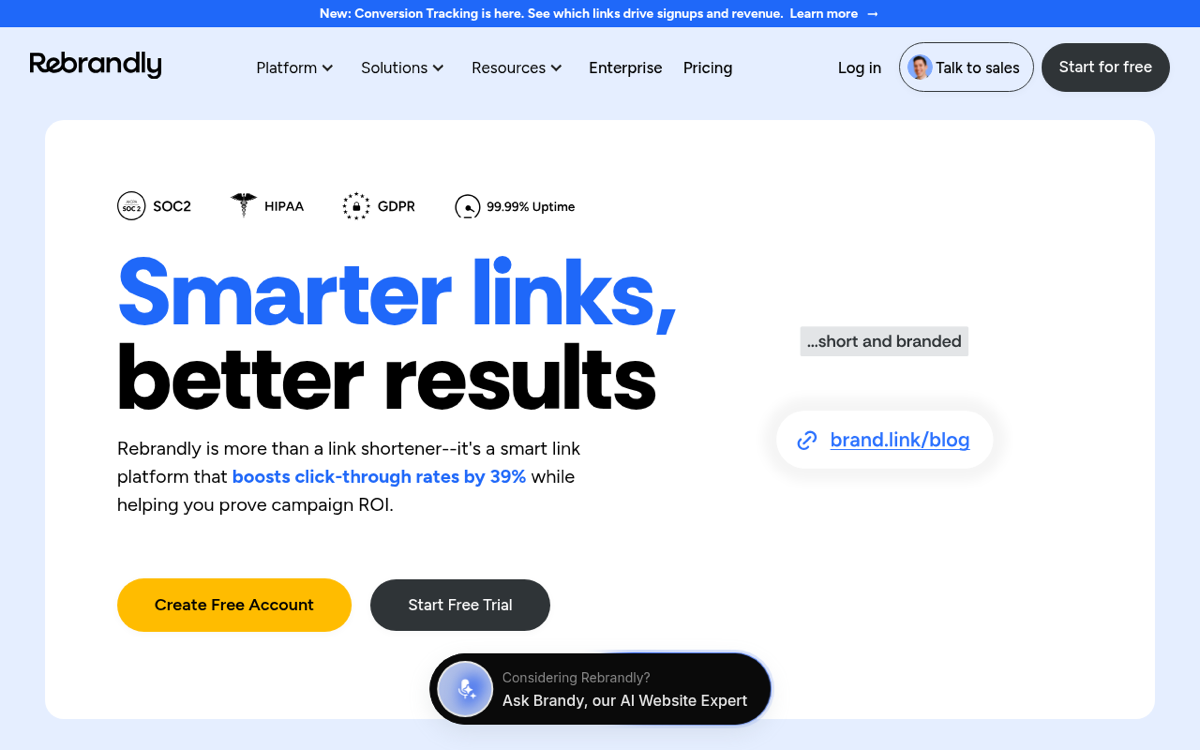
Rebrandly is built around branded domains and has a mature API, bulk link creation, and one of the largest custom-domain feature sets. Its free plan now includes one custom domain alongside rebrand.ly, 10 links and 10 watermarked QR codes a month, a UTM builder, and basic analytics (total clicks and country) for up to 100 clicks a month, which is more than Bitly free offers. Paid plans start with Essentials at $11/mo billed annually or $16 monthly. See Rebrandly vs Flyn.
Short.io: the most generous free custom domains
 Tap to enlarge
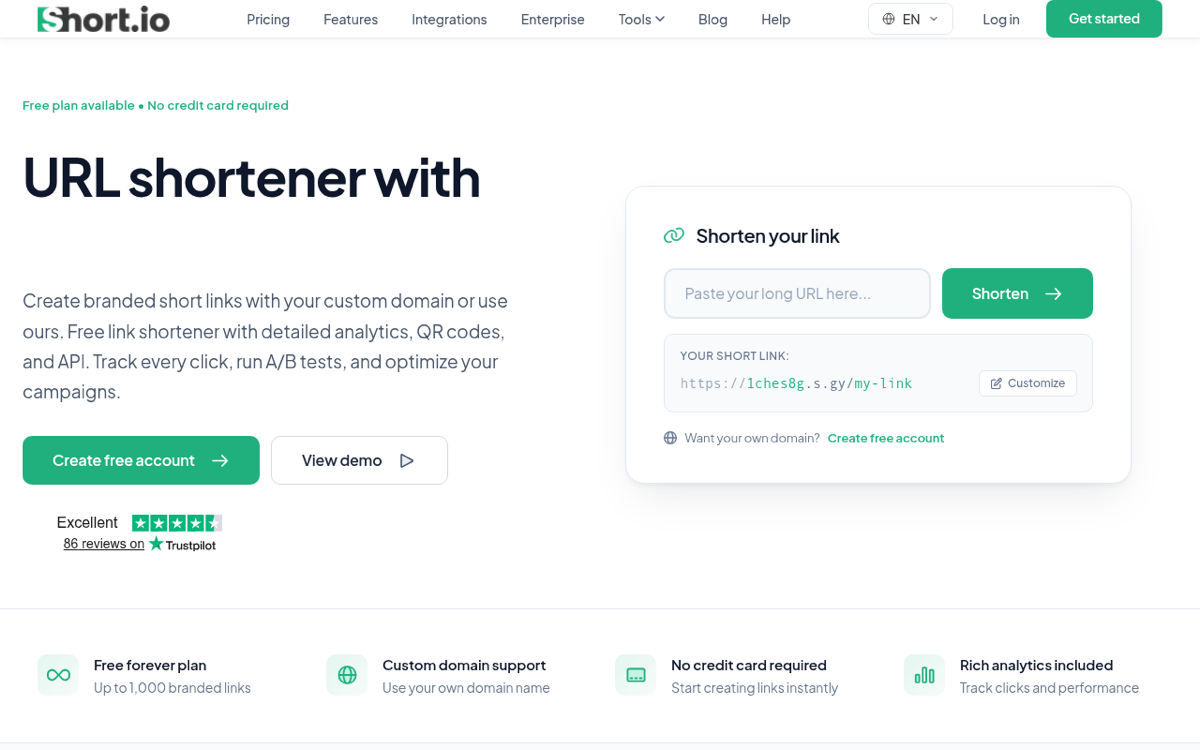
Short.io's pitch is branded links without paying: the free plan includes five custom domains, 50,000 tracked clicks a month, the API and QR codes. Paid plans start at just $5/mo. The one catch to watch: the free branded-link allowance is a lifetime cap of 1,000 links, not monthly, so high-volume users hit a wall. Read Short.io vs Flyn.
BL.INK: now part of Loftware
 Tap to enlarge
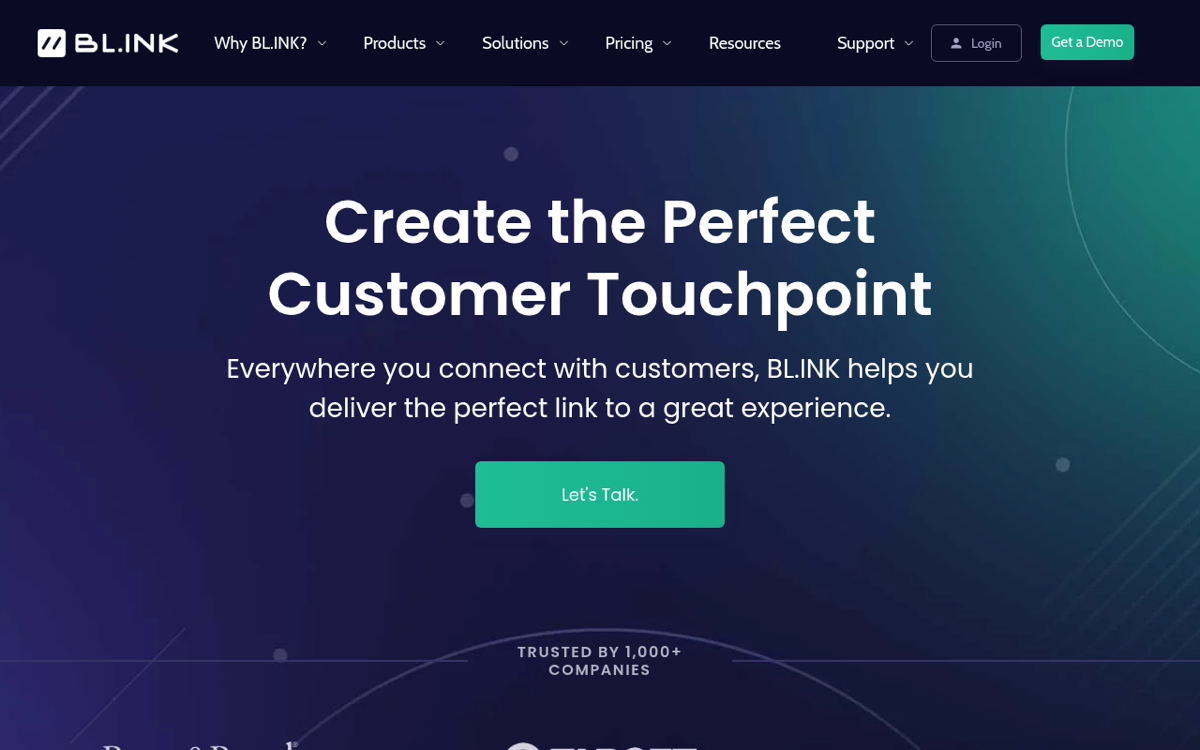
BL.INK built its name on enterprise branded links with deep analytics. On September 23, 2026 its website, and the sign-up page for its 21-day trial, redirected to Loftware's Connected Packaging product, which offers a consultation rather than a public plan or price. Existing customers can still sign in at app.bl.ink, and its last published self-serve price, in a January 2025 help article, was $48/mo. For a new account, treat it as an enterprise sale through Loftware, not a shortener you can sign up for today.
The developer and power-user picks: Dub and Cutt.ly
Dub: open source, developer-first, attribution built in
 Tap to enlarge
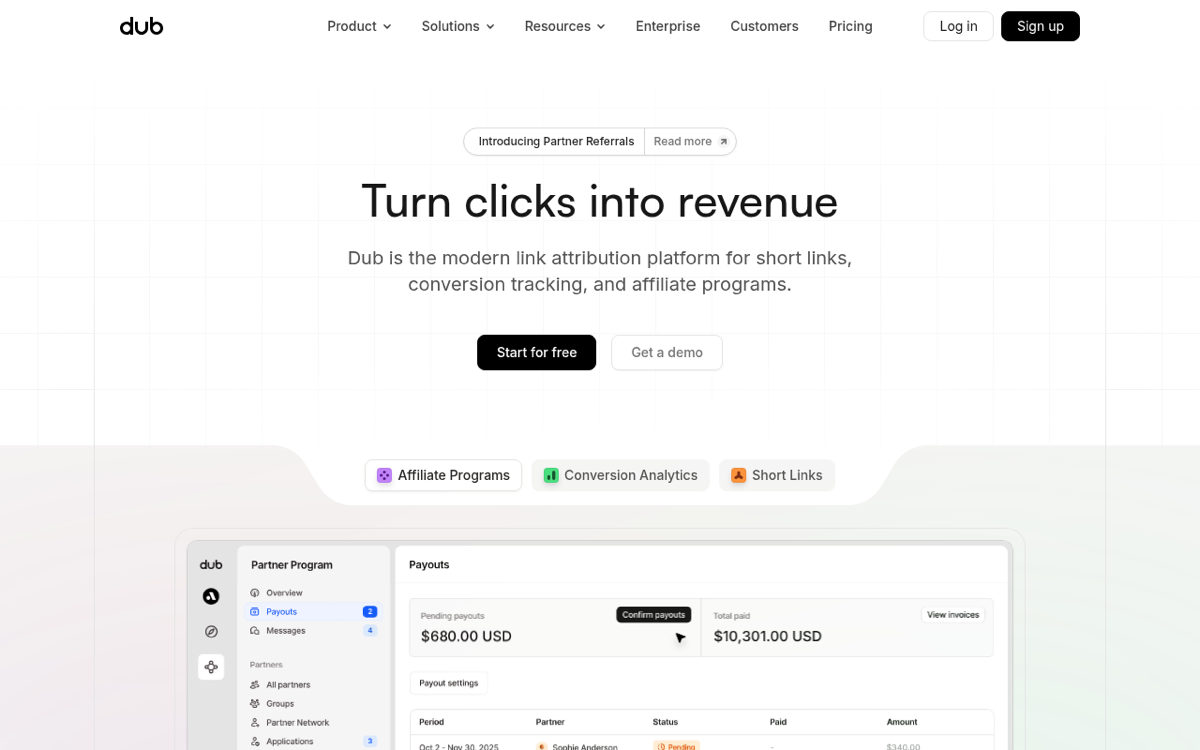
Dub is the modern developer favorite: open source, a clean API with native SDKs and webhooks, and (its real differentiator) built-in conversion and revenue attribution plus affiliate-program tooling, not just click counting. The free plan gives 25 new links a month with 3 custom domains, 1,000 tracked events and 30 days of analytics. The catch is where that power sits: Pro, the cheapest paid tier, is $30/mo ($27 billed yearly), but conversion tracking and A/B testing start on Business at $90/mo, and every self-serve tier caps new links and tracked events.
- Best for: developers and growth teams who need programmatic links and real conversion attribution.
- Weakness: attribution only from $90/mo, and overkill if you just want to shorten links.
Cutt.ly: deep analytics on a budget
 Tap to enlarge
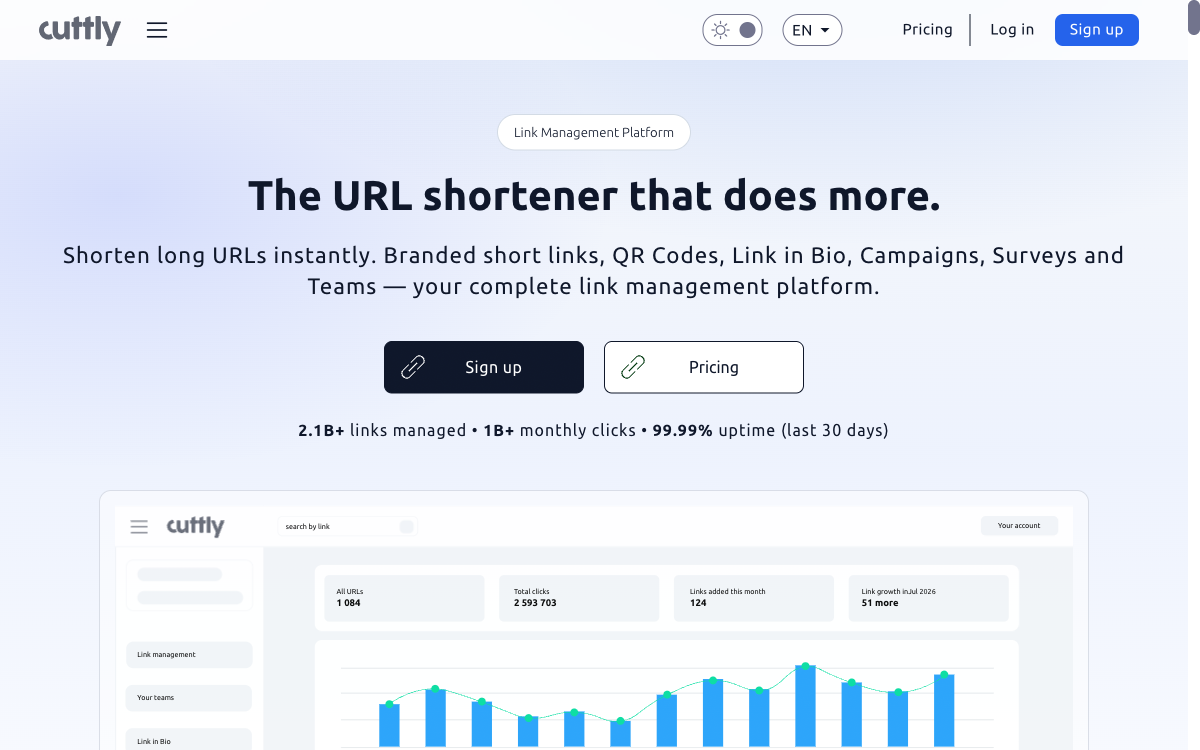
Cutt.ly punches above its price. Even the free plan (30 links a month) gives detailed analytics by referrer, device, OS, browser, language, and country, plus a branded domain (you bring your own SSL on free) and QR codes, with no cap on clicks. Paid plans start at $12/mo. The catches: free keeps only 30 days of history and counts total clicks only (no unique clicks), and you need an account to shorten anything.
- Best for: budget users who want real analytics without a big monthly fee.
- Weakness: short data retention and total-clicks-only on free, and no anonymous shortening.
The free, no-signup shorteners: is.gd and T.LY
is.gd: genuinely free, forever, no account
 Tap to enlarge
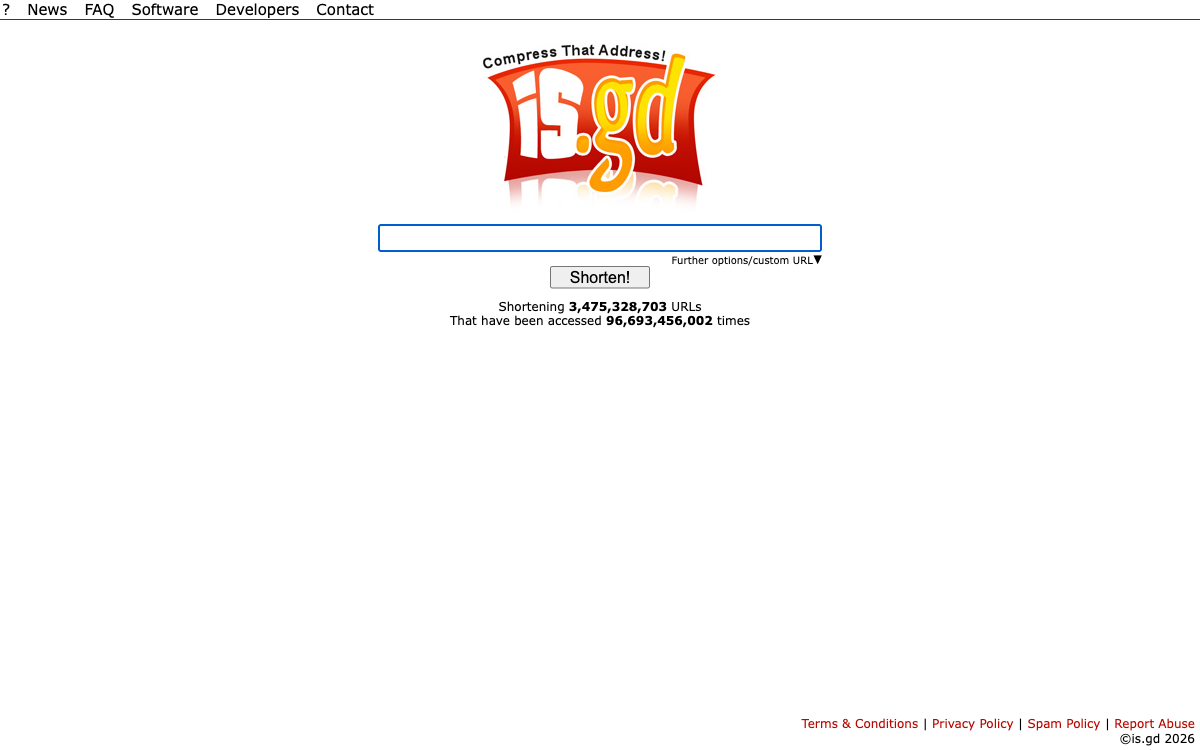
is.gd is a free shortener with no strings: no link cap, no signup, no cost, a free API, and a per-IP rate limit of 200 links an hour. The trade-offs are real, though: no custom domains, and links are immutable, you cannot edit the destination, delete, or repoint a link once created, and stats only work if you opt in per link at creation.
- Best for: one-off, throwaway links where you want zero friction and zero account.
- Weakness: no branding, no editing, minimal tracking.
T.LY: the shortest domain, no free account plan
 Tap to enlarge
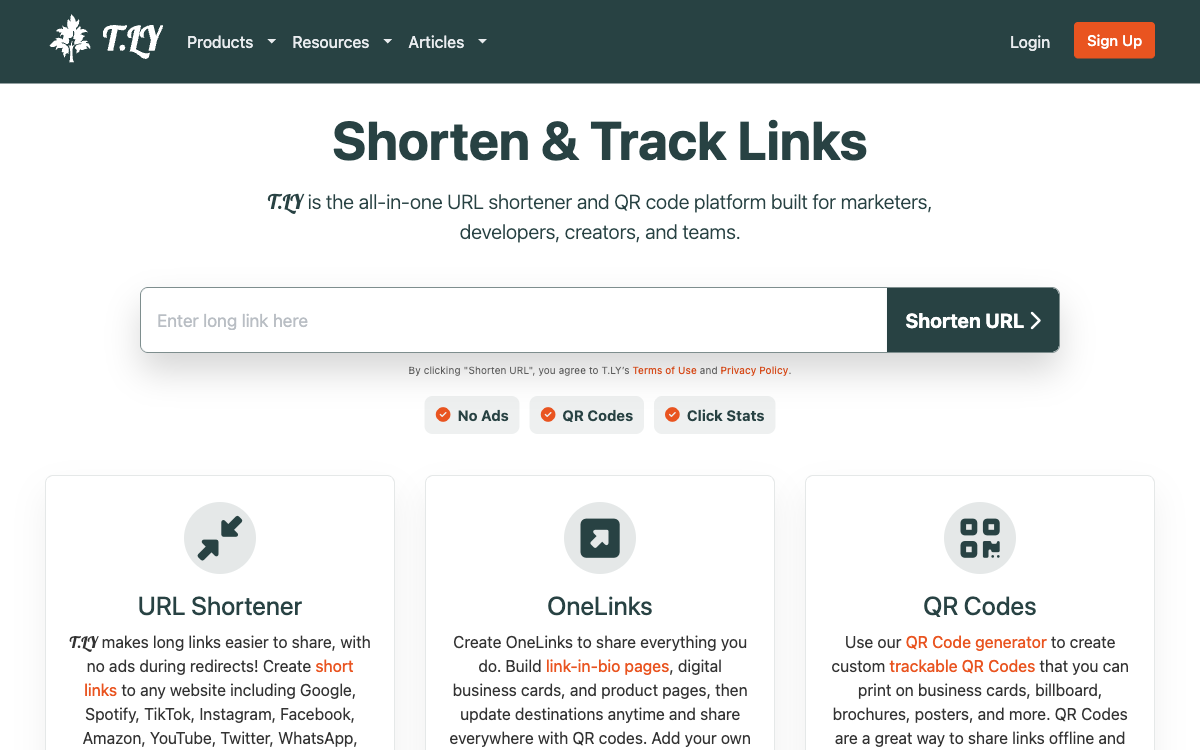
T.LY offers an ultra-short 4-character domain and lets you create quick links without an account. Those anonymous quick links come with a free QR code and a public stats page (add + to the link), but there is no free account plan: paid plans start with Personal at $10/mo or $110/yr, after a 5-day trial, and add custom domains with SSL, private stats, QR management and an API. Detailed click logs are kept for just 5 days on Personal.
- Best for: people who genuinely want the shortest possible link and will pay a little for custom domains.
- Weakness: no free account plan, and short log retention on the cheapest tier.
What does each free URL shortener plan include?
The single most confusing thing about picking a shortener is that every tool says "free," and they all mean something different. Here is what each free plan actually includes, checked against the vendor's own pages on September 23, 2026: the link allowance, custom domains, how many clicks it will track, what analytics you can see, whether the API is included, and whether you need an account at all.
| Tool | Free links | Custom domains | Tracked clicks | Analytics on free | API on free | No account needed? |
|---|---|---|---|---|---|---|
| Flyn | 25 / mo | 0 (3 on Pro) | No cap | Click counts, 30 days | Pro only | Yes, 24h unless claimed |
| Bitly | 5 / mo (50 in India, Indonesia, Bangladesh) | 0 | No history shown | None | Yes, 1,000 requests / mo | No |
| TinyURL | 30 / mo | 0 | Not shown on free | None | Yes | Yes |
| Rebrandly | 10 / mo | 1 | Details for 100 / mo | Total clicks and country | Yes | Yes, on rb.gy |
| Short.io | 1,000 total | 5 | 50,000 / mo | Yes | Yes | No |
| Dub | 25 / mo | 3 | 1,000 events / mo | Yes, 30 days | Yes | No |
| Cutt.ly | 30 / mo | 1 | No cap | Yes, 30 days | Yes | No |
| is.gd | No cap | 0 | Opt-in per link | Opt-in per link | Yes | Yes |
| T.LY | Quick links only | 0 | Public stats page | Public stats page | Paid only | Yes, quick links |
| BL.INK | No free plan | No free plan | No free plan | No free plan | No free plan | No |
The pattern: Flyn's free plan puts no cap on the clicks it tracks, like Cutt.ly, but has no custom domain (three come with Pro). If you want a custom domain and real analytics without paying, Short.io leads with five domains and 50,000 tracked clicks a month, with Dub (three domains) and Cutt.ly and Rebrandly (one each) behind it. If you want the most links free, is.gd sets no cap, and TinyURL and Cutt.ly give 30 a month. Bitly, the most famous name, has quietly become one of the least generous free plans on the list.
"Free links per month" and "free links total" are not the same. Short.io's 1,000 branded links is a lifetime cap, not monthly, so a busy month can exhaust it. And "unlimited clicks" can mean the link keeps working, not that you can see the clicks: TinyURL records clicks on free but only shows them once you upgrade. Always check whether a limit resets, and whether it counts or just forwards.
Link safety and link rot: the part the other lists skip
Two risks decide whether a short link helps or quietly hurts you, and almost no "best shortener" article covers either.
Your short domain can get your links flagged
Short links are a favorite of scammers, so shortener domains get scrutinized. If a service lets abuse pile up on its domain, that domain can land on a blocklist, and suddenly your legitimate links start getting flagged as spam or blocked in email. Protect yourself two ways: prefer a shortener that scans destinations with Google Safe Browsing and can disable a bad link, and use your own branded domain so your reputation is in your hands, not shared with strangers. You can always check what hides behind any short link with a free URL expander.
Link rot: shorteners shut down
Google switched off every goo.gl link that showed no activity in late 2024, which was millions of them, and Firebase Dynamic Links shut down entirely. When a shortener dies, the links it served die with it. Two defenses: use links with editable destinations so a printed QR code can be repointed instead of reprinted, and prefer a tool with a real export and migration path so you are never trapped. If you are moving off a dying or overpriced shortener now, our migration hub covers the common paths.
Never encode a raw destination into a printed QR code. Encode a short link whose destination you can edit later, so a campaign change or a vendor shutdown becomes a dashboard edit, not a reprint.
Which URL shortener should you use?
Choosing by one specific capability instead of overall value? We keep dedicated roundups for those: the best link shorteners with device-based routing covers sending iPhone, Android and desktop visitors to different destinations from one link, and the best geo redirect tools covers the same job by country.
Skip the agonizing and match your situation to the pick:
- You are a creator or marketer who wants branded links, analytics, and retargeting without a big bill: Flyn at $9/mo billed annually ($12 monthly), or Cutt.ly if you want deep analytics on a tighter budget.
- You want one quick link, no account: Flyn (it lasts 24 hours unless you claim it), is.gd (no link cap, free) or T.LY (shortest domain).
- You want branded domains: Flyn Pro includes three at $9/mo billed annually; if they must be free and you do not mind a lifetime link cap, Short.io.
- You are a developer who needs an API and conversion attribution: Flyn Pro includes the API and conversion reporting; Dub if you need attribution that goes further into affiliate payouts.
- You want the most recognized brand and a full campaign suite: Bitly.
- You are a large organization with governance and compliance needs: Bitly Enterprise, which lists SSO and a 99.99% uptime commitment.
This guide is for choosing a shortener as an individual or small team. If you are evaluating an ongoing platform for a whole company (seats, roles, SSO, deep attribution, governance), that is a different decision. Read the best link management tools compared instead, which bakes those buyer criteria into the comparison.
Shorten your next link the right way
Any of these ten tools will turn a long URL into a short one. The one worth keeping is the one that also brands the link, tells you who clicked, lets you change it later, and keeps your domain out of spam filters, without charging enterprise money for it. That is the gap Flyn was built to fill.
Create a free Flyn account (25 links a month, no card), or shorten a link right now with no signup and claim it later. Then explore the free tools for per-platform shorteners like YouTube and Amazon, or the QR code generator whose destination you can edit after printing.
Frequently Asked Questions
What is the best free URL shortener?
Which URL shortener makes the shortest links?
Can I shorten a URL without creating an account?
Are short links safe, and can they hurt my domain?
What is the difference between a URL shortener and a link management platform?
Do shortened URLs expire?
Do short links hurt SEO?
Free tools for this
Three Flyn tools that pair well with the strategy in this article, all free, no signup needed.
UTM Builder
Build campaign-tracked URLs in seconds.
Broken Link Checker
Scan any page for dead links and 404s.
Redirect Checker
Trace 301/302 redirect chains.
Keep reading
Three related deep-dives from the Flyn blog.
Best Link Rotators for A/B Testing and Traffic Splitting
16 min read
Best Link Shorteners for Affiliate Marketers Who Need Cloaking
16 min read
Best URL Shorteners That Filter Bot Clicks From Analytics
15 min read
Ready to try Flyn?
Free plan includes 25 links/month, full analytics, and access to all 30+ free tools above. No credit card required.
Already a member? Log in
Karan Bhakuni is the founder of Flyn. He writes about branded links, click analytics, and the link-management tooling growth teams and creators actually need, drawn from building Flyn and reading a lot of user feedback.
Find these guides useful? Add Flyn as a preferred source so more of them show up in your Google results.