Best Sniply Alternative
Full link management instead of just CTA overlays
Last updated: July 2026
Unlimited links, deep analytics, A/B testing, QR codes, and deep links for 16+ native apps, from $12/mo ($9 annual).
Sniply adds call-to-action overlays to any page you share via short links. Flyn takes a different approach with A/B testing, deep analytics, and native app deep links.
Why Look for a Sniply Alternative?
Sniply pioneered the CTA overlay concept, adding call-to-action buttons to any webpage you share. It is clever for content curation and driving traffic from shared articles. But Sniply is fundamentally a CTA tool, not a comprehensive link management platform. It lacks QR codes, deep links, A/B testing (beyond CTA variants), geo-routing, and the analytics depth that growth teams need. Teams that outgrow CTA-only workflows are looking for platforms that handle the full link lifecycle.
Sniply at a Glance
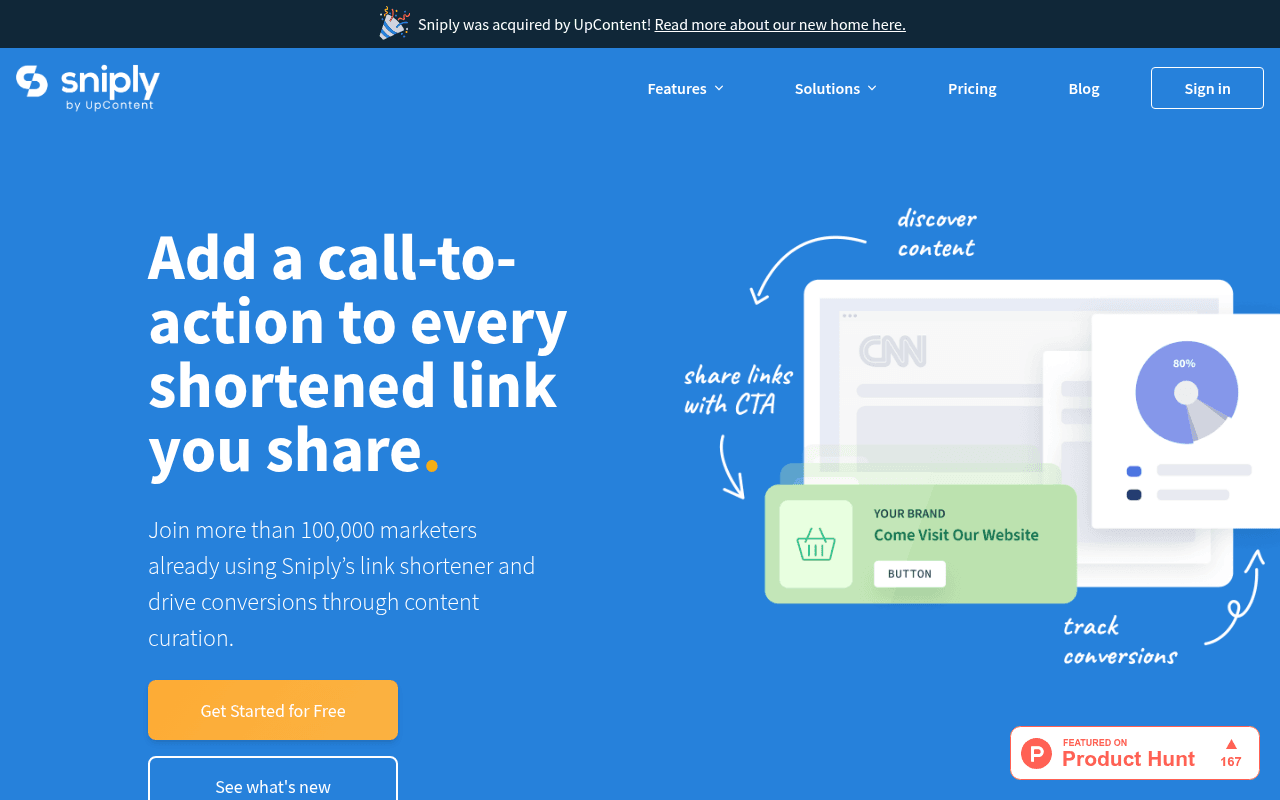
Sniply homepage (sniply.io), screenshot captured April 2026
Sniply: Pros & Cons
What Sniply Does Well
- Unique CTA overlay feature
- Conversion tracking built-in
- Good for content curation
- Multiple CTA types (bar, modal, popup)
Where Sniply Falls Short
- CTA-focused, not a full link platform
- No deep links, geo-routing, or device targeting
- Limited analytics
- Pricing based on CTA impressions, not links
Pricing Comparison
Flyn Plans
Sniply Plans
Feature Comparison: Flyn vs Sniply
| Feature | Flyn | Sniply |
|---|---|---|
| Core | ||
| Link shortening | ||
| CTA overlays on shared pages | ||
| Custom branded domains | 3 on Pro | 1-10 by plan |
| Unlimited links | Pro+ ($29/mo) | |
| QR code generation | ||
| Analytics | ||
| Click analytics | Deep / real-time | Basic |
| City-level geo data | ||
| Period-over-period trends | ||
| Conversion tracking | Sales and signups (Pro) | CTA clicks only |
| Advanced | ||
| A/B split testing | Pro+ CTAs only | |
| Password-protected links | ||
| Link expiration | ||
| Geo-routing | ||
| Deep links (native apps) | 16+ platforms | |
| Custom OG metadata | ||
| Retargeting pixels on links | Pro plan | |
| Developer | ||
| REST API | Enterprise only | |
| Webhooks | ||
| Chrome extension | ||
| Collaboration | ||
| Team workspaces | $4/seat add-on | |
Flyn vs Sniply: Different Tools for Different Goals
Sniply's unique feature is CTA (call-to-action) overlays, when you share any page through a Sniply link, your custom button or banner appears on top of that page. It is a clever content curation tool. Flyn focuses on link management, analytics, and optimization. If CTA overlays on third-party content are your primary use case, Sniply remains a specialized tool for that. For comprehensive link management, Flyn delivers far more at a lower price.
Pricing: CTA Impression Caps vs Unlimited
Sniply prices by CTA impressions. Their Basic plan at $9/month gives only 250 links and 5,000 CTA impressions. Pro at $29/month gives unlimited links but caps at 20,000 CTA impressions. Once you exceed CTA impressions, your overlays stop showing. Flyn Pro at $12/month, or $9/month billed annually, includes unlimited links and unlimited click tracking with no impression caps, a simpler, more predictable model.
Quick Switch
Upload your Sniply export or link list and Flyn previews every link for free, no card needed. Importing needs a paid plan. Start free →
When Sniply Makes Sense
If your marketing strategy relies heavily on content curation, sharing third-party articles, videos, or resources with your own CTA overlay, Sniply is purpose-built for that workflow. It is particularly effective for agencies managing social media content strategies where original content volume is limited. But if you need general link management, analytics, A/B testing, QR codes, or an API, Flyn covers those needs at a lower price.
The Full Link Management Alternative
Flyn includes features Sniply does not: A/B split testing for landing pages, deep links for 16+ native apps, QR code generation, city-level geographic analytics, period-over-period trends, password protection, auto-expiry, geo-routing, webhook events, and a Chrome extension. For teams that need more than CTA overlays, Flyn provides a complete link management platform.
CTA Overlays vs Full Link Management
Sniply's philosophy is that every shared link is a marketing opportunity, by adding your CTA to third-party content, you convert passive sharing into active lead generation. It is a compelling idea for content curation strategies. Flyn takes a different approach: every link you create should be measurable, optimizable, and intelligent. A/B testing tells you which destination converts better. Deep links send users to the right app. Geo-routing personalizes by location. These are fundamentally different strategies, one adds your message to others' content, the other optimizes your own.
Who Should Choose Flyn vs Sniply?
Choose Flyn if you need comprehensive link management with analytics, A/B testing, QR codes, deep links, and an API. Choose Sniply if your primary strategy is content curation, sharing industry articles, news, and third-party resources with your CTA overlay to drive traffic back to your site. This works well for agencies, media companies, and social media managers who share more third-party content than original content. Many teams use Flyn as their primary link platform and add Sniply only for content curation campaigns.
How Sniply Compares to the Other Alternatives
Sniply is not the only option, and the best Sniply alternative depends on what you actually need. Here is how the main contenders compare on entry price, free plan, and who each one fits. Flyn is our pick for most teams on flat-rate value, but we call the honest trade-offs.
| Tool | Cheapest paid plan | Free plan | Best for |
|---|---|---|---|
| FlynOur pick | $9/mo (annual) | 25 links/mo on flyn.to | Best all-round value: unlimited links, A/B testing, deep links, and GDPR-safe analytics at one flat, transparent rate (about 8 EUR / 7 GBP). |
| Sniply | $9/mo | Free trial only | Adds a CTA overlay to any link you share, but it is a CTA tool, not a full link platform (no deep links, A/B, or QR depth). |
| Bitly | $10/mo | 5 links/mo | The most recognized brand with the widest integrations, but per-link caps and analytics gated to the $199/mo Premium tier. |
| Dub | $90/mo | Not on pricing page | Best for teams running an affiliate or creator partner program and paying partners, if the $90/mo entry tier and per-plan link caps suit you. |
| Short.io | $5/mo | 1,000 links | Generous free tier for custom domains, but analytics run on tracked-click limits rather than truly unlimited. |
Prices verified July 2026, entry = cheapest paid tier. Link caps and analytics limits are the details that bite at scale, so match the plan to your real monthly link volume, not the headline price.
How to Migrate from Sniply to Flyn
List your snips and their destinations through the Sniply API or in a spreadsheet (we found no documented Sniply CSV export)
Create a Flyn account at flyn.to/signup (the import preview is free; importing links and custom domains need a paid plan)
Using your own domain? Add it in Flyn under Settings, Domains before you import, so links on it are recreated there with the same back-halves
Upload the file under Links, Import links: Flyn detects the columns and previews every link for free before anything is created
Add the DNS records Flyn shows under Settings, Domains (a TXT record to prove ownership, then a CNAME to cname.flyn.to, or an A record to 76.76.21.21 for a root domain) and click Verify, so the links imported onto your domain keep working. Links on snip.ly stay with Sniply and get new Flyn links, mapped old to new in the import report
Check a few links once DNS updates, which usually takes minutes but can take up to 48 hours
What carries over: destinations, titles and tags from your file, and back-halves where they are free. Links on your own domain keep working once they are imported onto it, the domain is verified in Flyn and its DNS points to Flyn. Links on Sniply's shared domains get new Flyn links, mapped old to new in the import report. Click history does not transfer.
Full step-by-step Sniply to Flyn migration guideThe Verdict
For general link management, analytics, A/B testing, and developer tools, Flyn is the comprehensive platform. Sniply is a specialized CTA overlay tool, built for content curation strategies. At the same $9/month entry price, Flyn delivers unlimited links and far more features. Flyn's pricing is flat and transparent, $12/month, or $9/month billed annually (about 8 EUR / 7 GBP) with no per-link fees or surprise tier jumps, and analytics are GDPR-safe with no raw IP storage plus one-click data export.
Frequently Asked Questions
Is Flyn cheaper than Sniply?
Flyn Pro at $12/month ($9 annual) and Sniply Basic at $9/month are close on price, but Flyn includes unlimited links, A/B testing, deep links, QR codes, and deep analytics. Sniply Basic gives 250 links with 5K CTA impressions. For comparable features on Sniply, you need Pro at $29/month.
Does Flyn support CTA overlays like Sniply?
No. CTA overlays on third-party pages are Sniply's unique feature. Flyn focuses on link management, analytics, A/B testing, and developer tools. If CTA overlays are critical, Sniply covers that specific use case.
Which platform has better analytics?
Flyn. Real-time click streams, city-level geo data, device breakdowns, referrer analysis, and period-over-period trends. Sniply provides basic click and conversion tracking focused on CTA performance.
Does Sniply offer A/B testing?
Sniply offers A/B testing for CTA overlay variants (different button text, colors, etc.). Flyn offers A/B testing for destination URLs, splitting traffic between two landing pages. Different approaches for different needs.
Can I use both Flyn and Sniply together?
Yes. Some teams use Flyn for all their link management needs except content curation, and Sniply for content curation with CTA overlays. The tools serve different purposes and can complement each other.
Can I add CTA overlays with Flyn?
Flyn does not offer CTA overlays on third-party pages, that is Sniply's unique capability. Flyn focuses on link management, analytics, A/B testing, and deep links. If CTA overlays are essential, you can use Sniply alongside Flyn, with each tool handling what it does best.
Is Sniply still active in 2026?
Yes. Sniply continues to operate and maintain its CTA overlay platform. However, the product has seen limited feature updates compared to newer link management platforms. For teams evaluating Sniply, it is worth confirming that its current feature set meets your needs before committing to a paid plan.
Ready to switch from Sniply?
Start with a free account, no credit card required, and preview your import before you pay for anything.